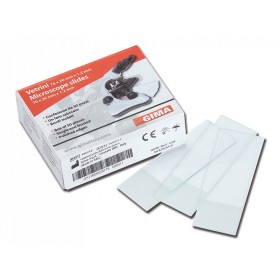
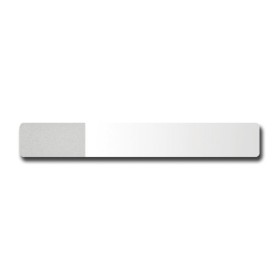
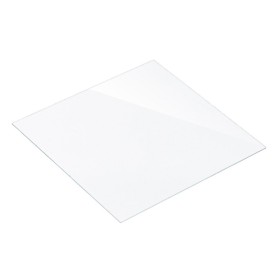
Calibration slide for microscopes.
The slide features three horizontal micrometer scales with 100 divisions. The scale division is 0.01 mm, 0.05 mm, and 0.1 mm, respectively.
The calibration slide (stage micrometer) is used to determine magnification, the microscope's linear field of view, and the division value of scales and reticles in the eyepiece.
When used with a digital camera, the slide allows image analysis software to be calibrated for each objective.
Calibrating image analysis software
Calibration is performed for each objective used for observations. The calibration slide is used to determine the calibration factor for the image analysis software.
Calibration procedure:
- Secure the calibration slide on the microscope stage.
- Select the desired objective and set the camera to its maximum resolution.
- Display a high-contrast image of the scale on the monitor and capture the image.
- Select "Calibration" mode in the image analysis software.
- Click with the mouse to define the maximum visible distance between the first and last scale divisions.
- Enter the resulting scale size in real units into the image analysis software.
- Enter the calibration name, specifying the current objective magnification.
- Check the result: in "Measurement" mode, measure several divisions of the calibration slide scales in real units.
- The image analysis software will save the calibration factor under the selected name. It will then automatically convert the results into the selected measurement units.
Calibrating the eyepiece scale
The eyepiece scale is calibrated for each objective used for observations. Place the slide on the stage, then focus the microscope on the scale. Rotate the eyepiece in the eyepiece tube until the slide scale and eyepiece scale are parallel to each other.
When using low-magnification objectives, calculate how many eyepiece scale divisions fit within the slide scale.
When using medium- and high-magnification objectives, calculate how many slide divisions fit within the eyepiece scale.
The CS3 MAGUS calibration slide features three micrometer scales with different division values. Calibration is more convenient when the slide scale spans the entire eyepiece scale. With a low-magnification objective, use a scale with a division of 0.1 mm or 0.05 mm. With objectives with a magnification greater than 20x, use a scale with a division of 0.01 mm.
The calculation for each objective is performed using the formula:
Е=ТL/A, where
E – eyepiece division value
Т – stage division value specified on the stage micrometer
L – number of stage micrometer divisions
А – number of eyepiece scale divisions.
The corresponding eyepiece scale division values for each objective will thus be recorded.
When measuring an object, first count the number of eyepiece scale divisions covered by the object. Then multiply the result by the scale value previously calculated for the objective in use. The resulting value is the object's true linear dimension.
| Brand | MAGUS |
| Warranty | 2 years |
| EAN | 5905555017198 |
| Package dimensions (LxWxH) | 9x4x1 cm |
| Shipping weight | 0.02 kg |
| Material | optical glass |
| Number of scale divisions | 100 |
| Scale value, mm | 0.01/0.05/0.1 |
| Calibration slide dimensions, mm | 75x25x1,1 |